
For someone getting into gaming or looking to replace the mouse that came with their computer, a budget gaming mouse seems like the way to go. Redragon’s M693 offers key features like wireless connectivity and a Pixart sensor at a competitive price.
If the Redragon M693 seems like a potential option for you, keep reading to find out more.
The Verdict
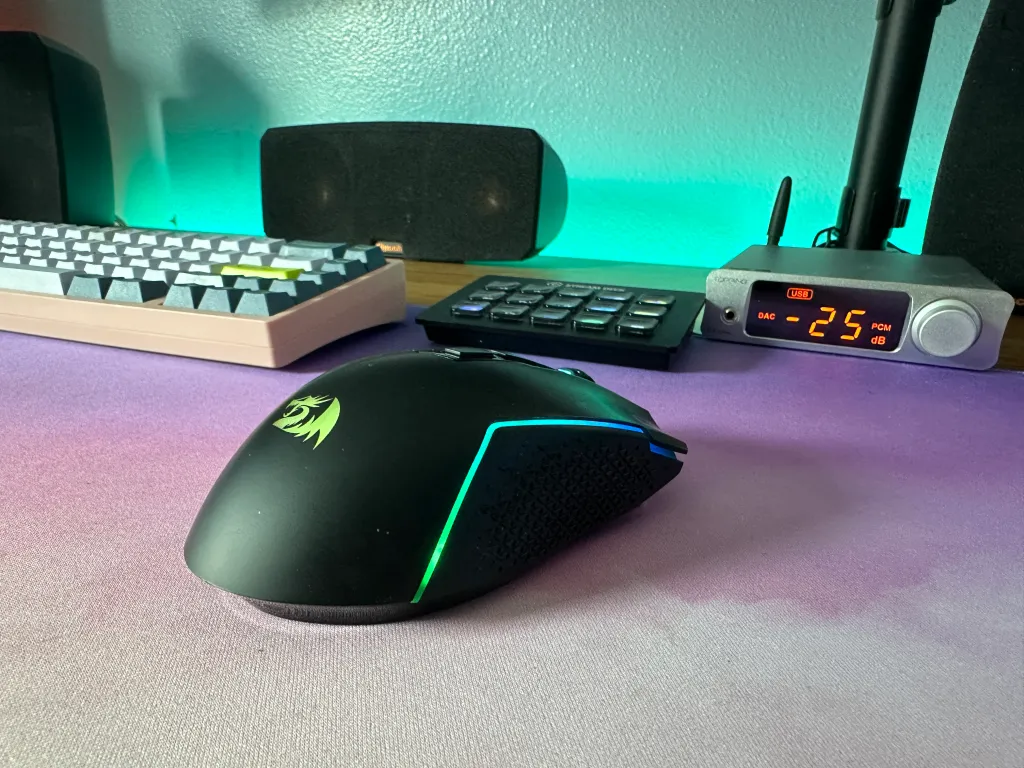
The Redragon M693 is a budget mouse with a solid package. For anyone that wants a wireless gaming mouse at the sub $30 price point, the M693 is a favorite. With a 90g weight, accurate sensor, and a reasonable build, the M693 beats out a lot of the competition.
The M693 only comes with one fatal flaw, its high latency. Its switches provide higher than average latency paired with wireless connectivity that won’t compete with the response times of Razer or Logitech. However, if you want a lightweight mouse that is wireless, there is little to look at this price that can outcompete the Redragon M693.
Additionally, the mouse features RGB lighting and a software that Redragon has continued to improve over the past year. If you plan to mainly play FPS titles then a wired mouse may still be the route to go but for any other gamer or if wireless is a necessity, the Redragon M693 is a good option to consider.
Specifications
| Length | ~126mm ~5in |
| Width | ~63mm ~2.4in |
| Height | ~39mm ~1.5in |
| Weight | ~90g |
| Sensor Type | Optical (100 – 8K DPI) |
| Polling Rate | 125 – 1000 Hz |
| Cable Length | 1.5m (4.9ft) |
In The Box
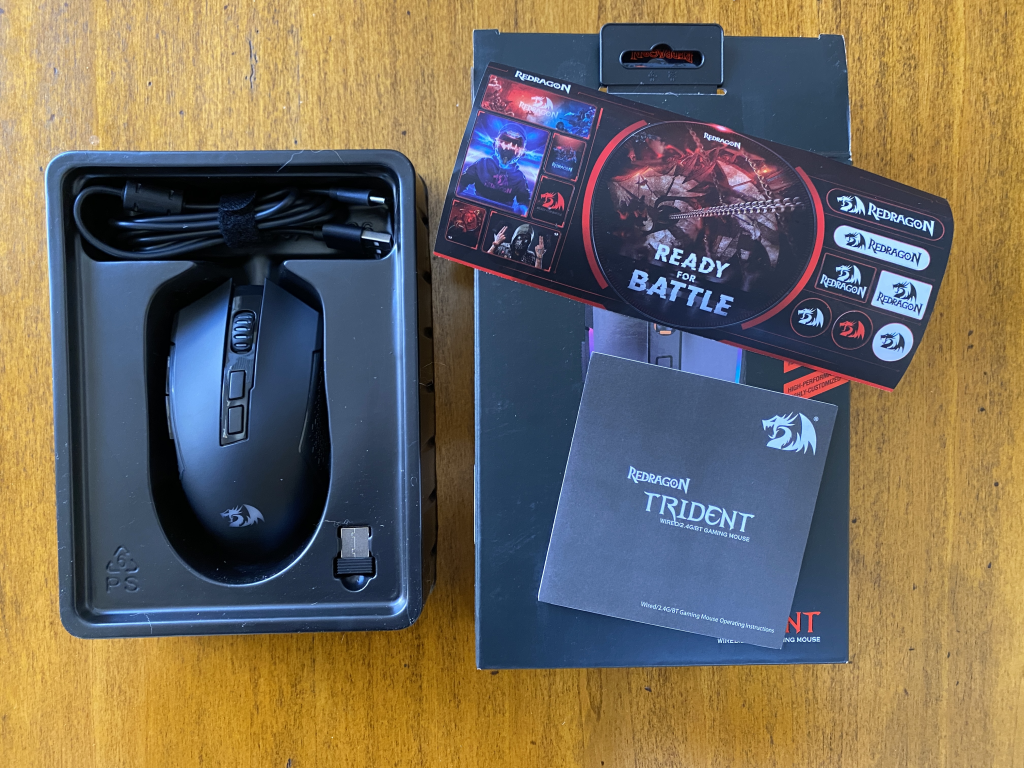
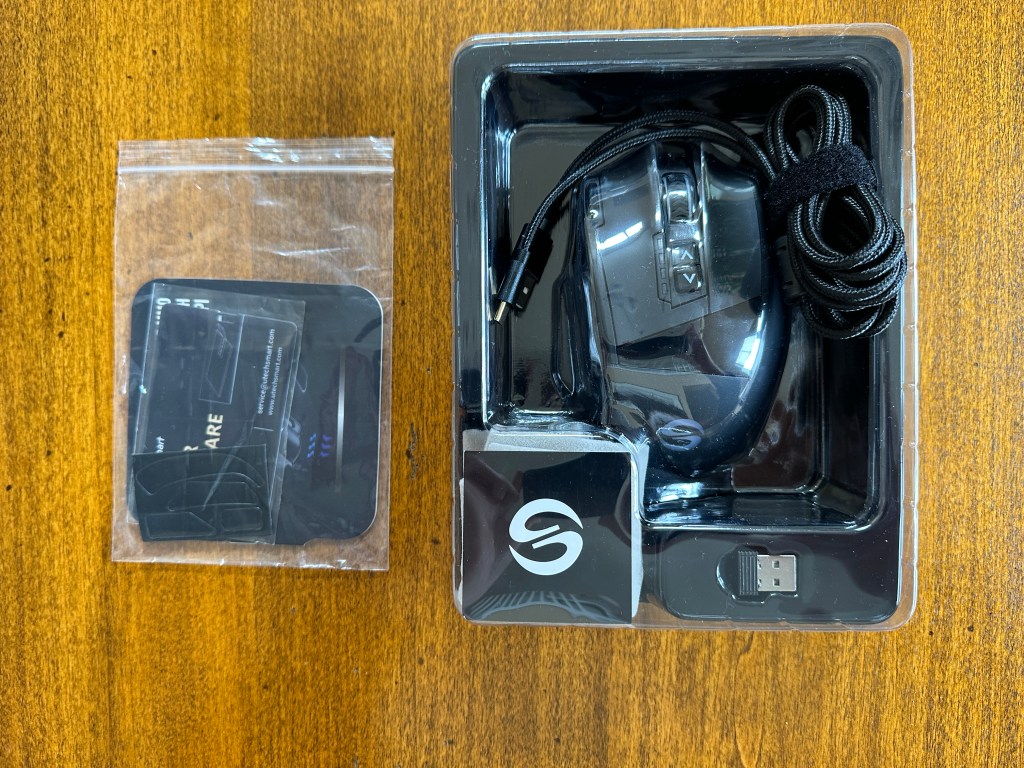
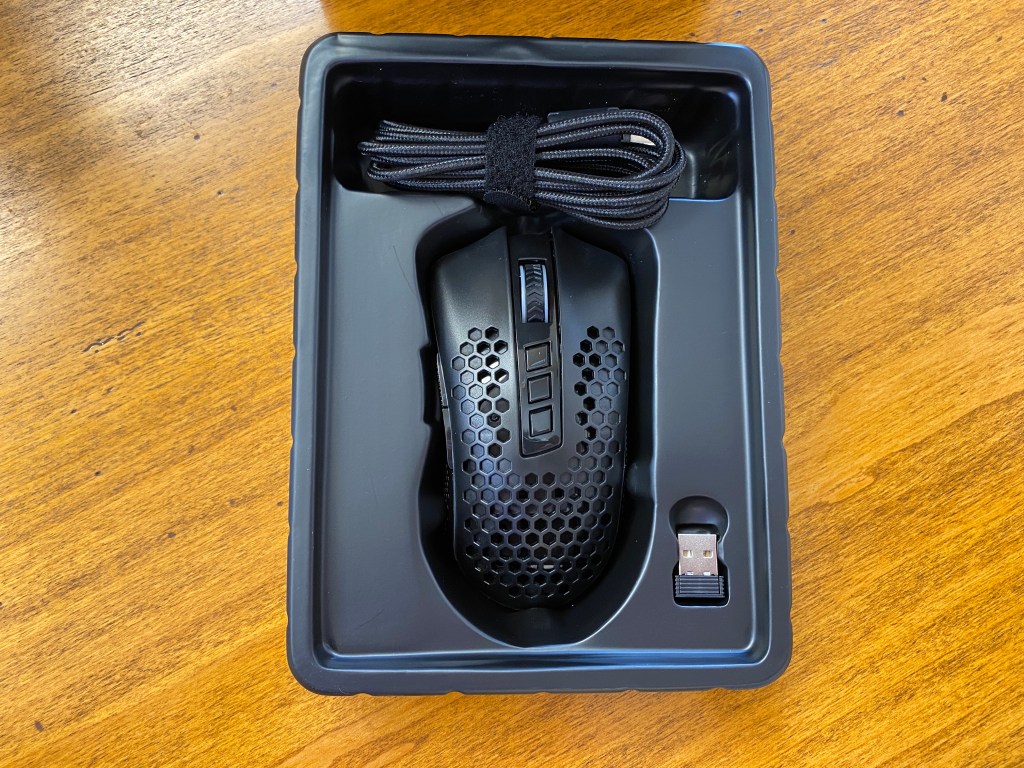
Opening up the box, you will find the M693 with a few extras.
Manual: Explains some basic functions and legal information.
Cable: A rubberized USB-C cable that is 1.5m (4.9ft) long.
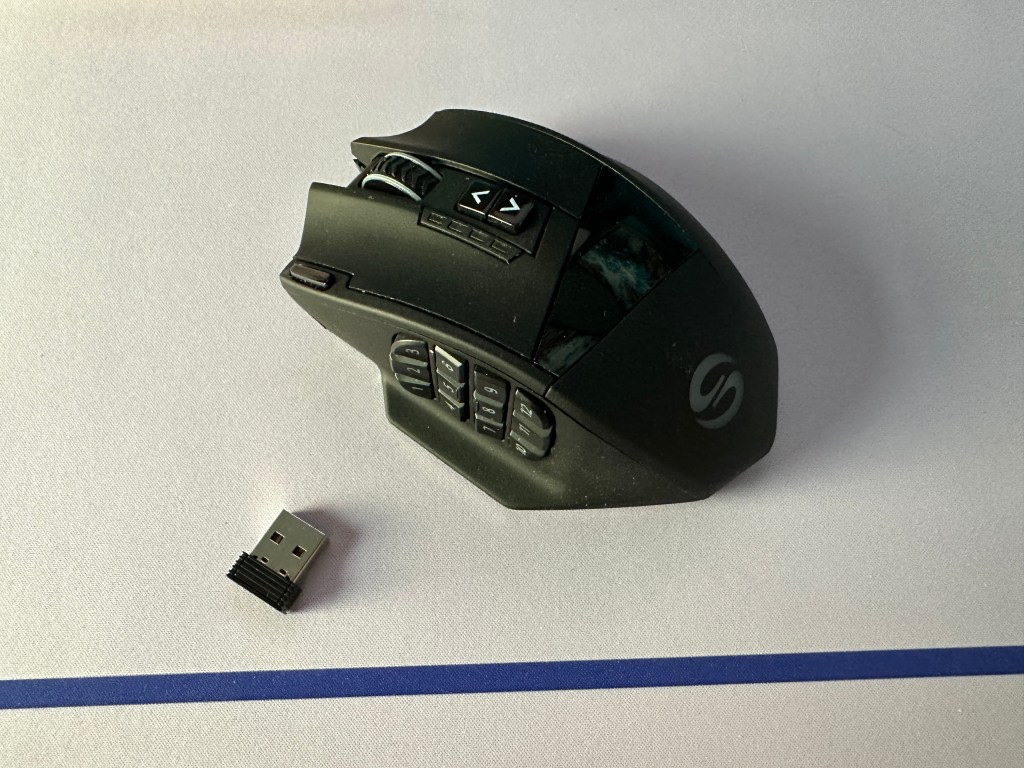
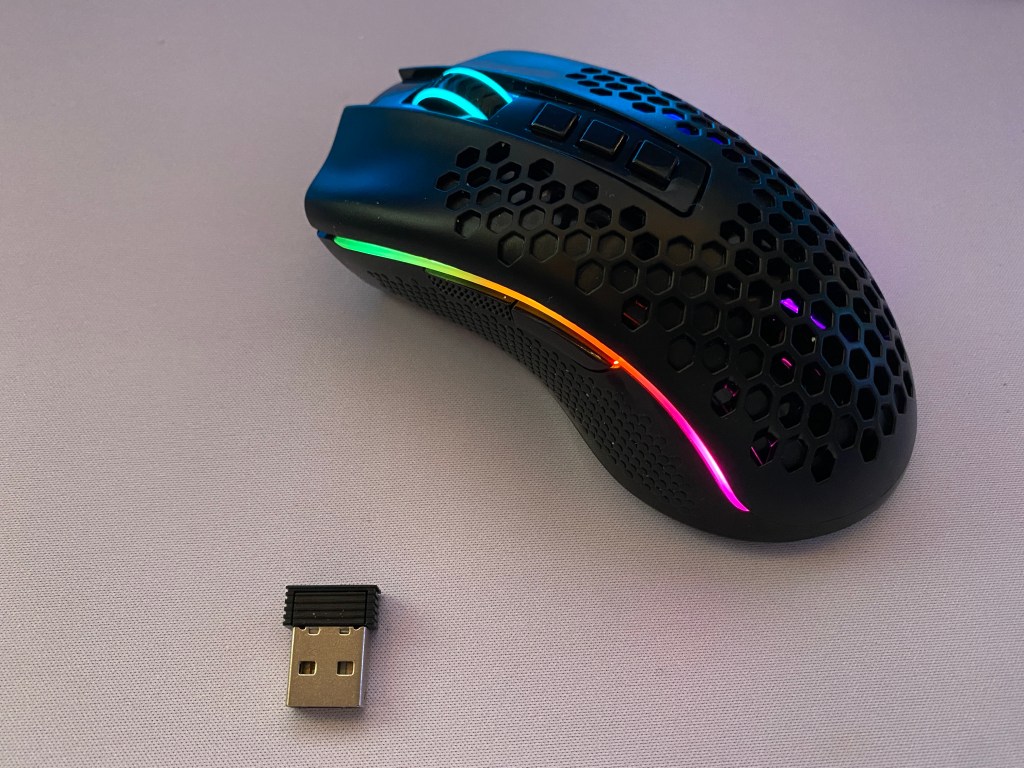
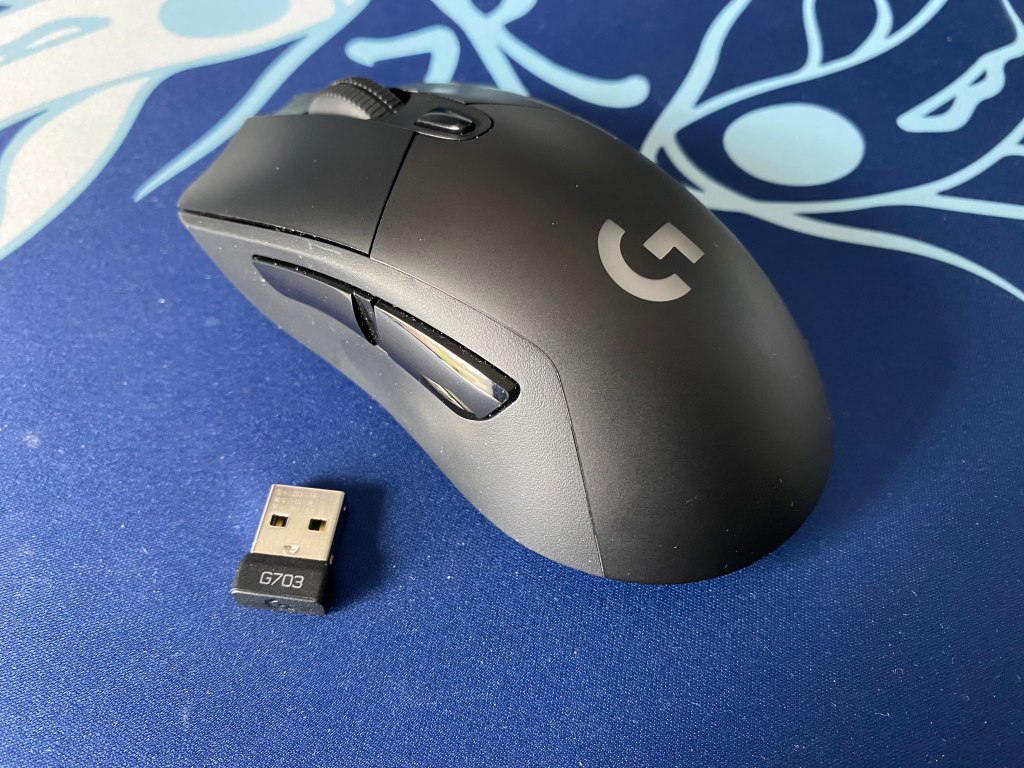
Dongle: 2.4 Ghz dongle for the wireless connection.
Stickers: A collection of some gamery images and Redragon logos.
Build Quality
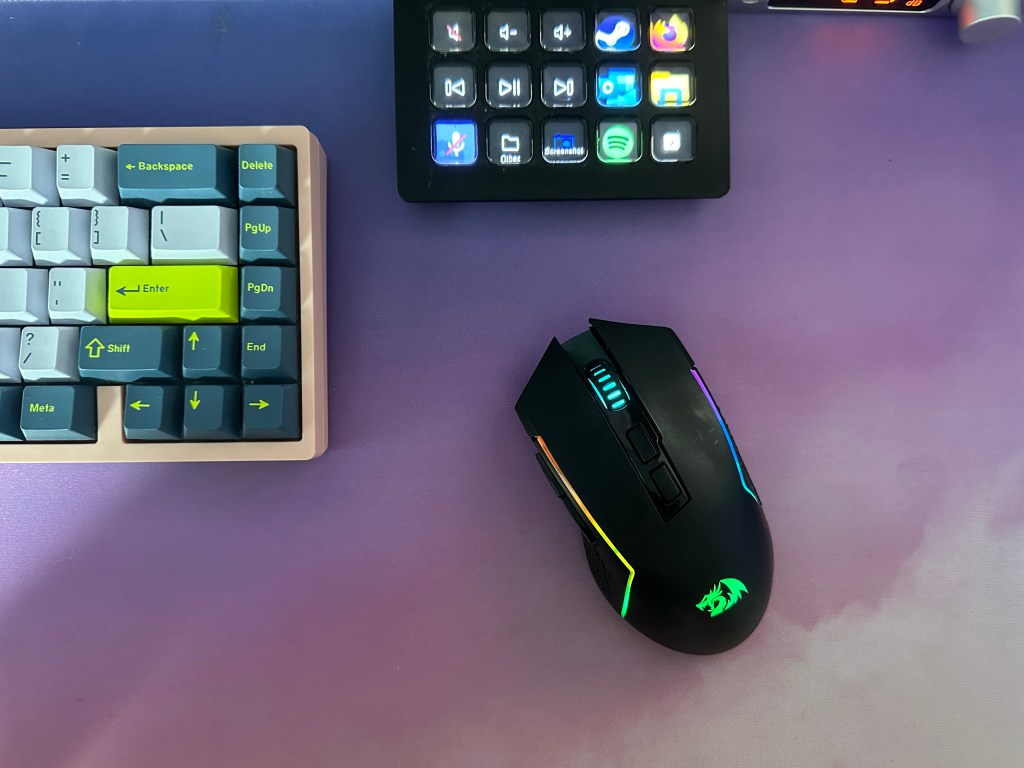
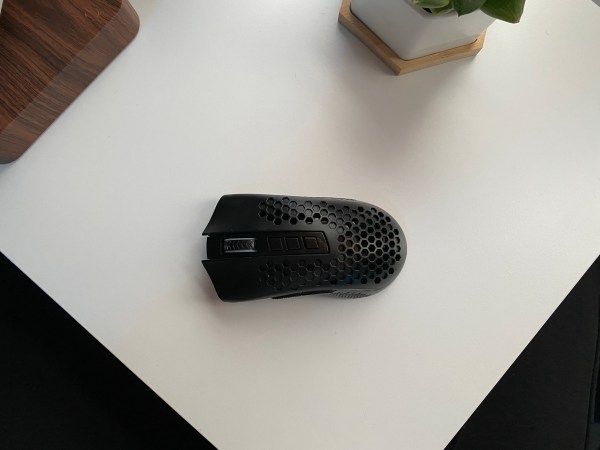
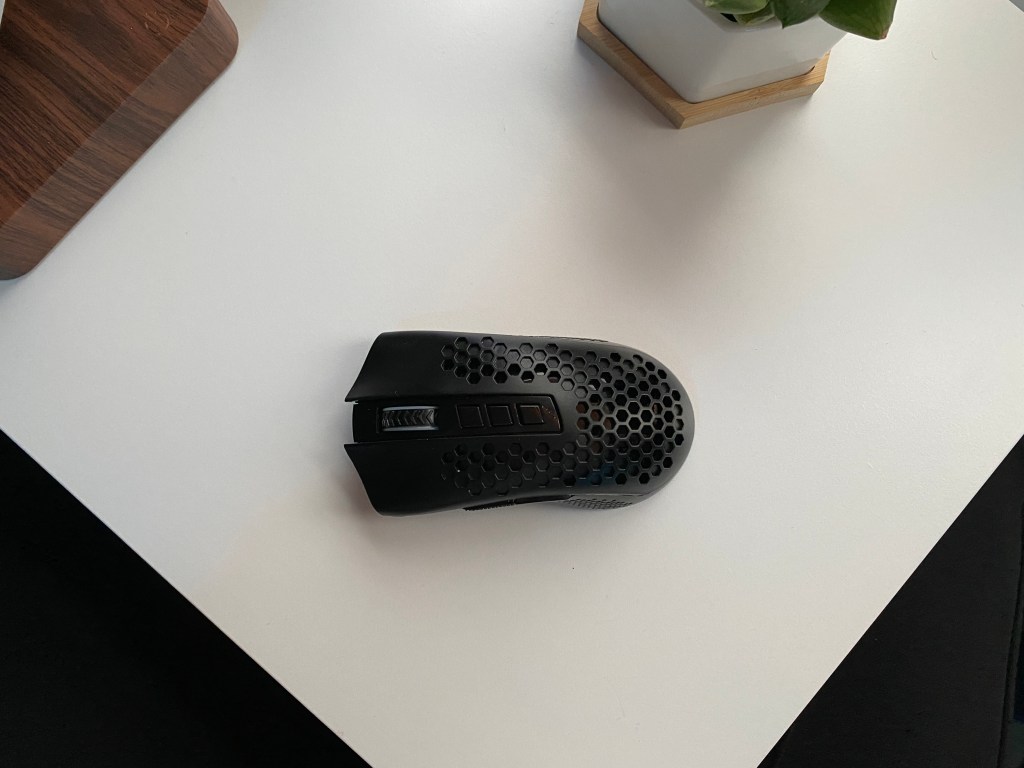
Redragon’s M693 uses primarily plastic with some rubber on the scroll wheel. The mouse weighs in at 90g making it a decent option for FPS games. The mouse feels slightly rear heavy but overall pretty solid by first impression.
Two areas that are weak with the M693 are the feet and the quality of the main buttons. Most of the buttons feel pretty good but the main two feel a bit flimsy. The feet also are not as good as something I have seen on mice from big manufacturers but they are still better than ones I have seen on other gaming mice. The M693 still is good enough for quick flicks and provides an overall smooth travel.
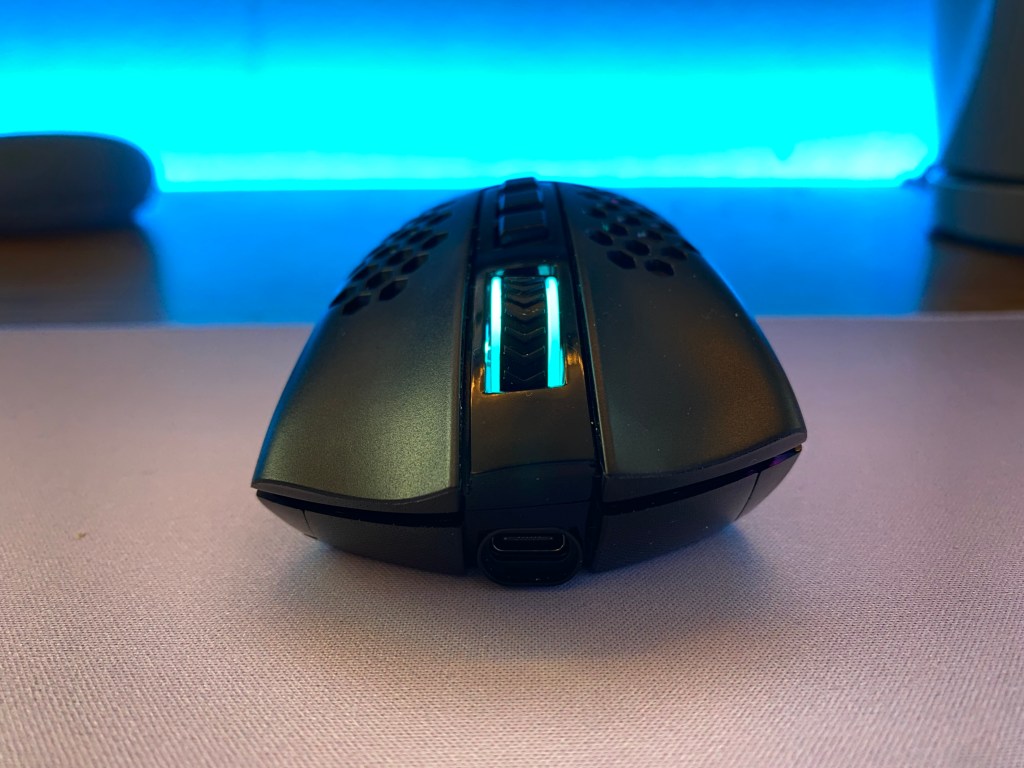
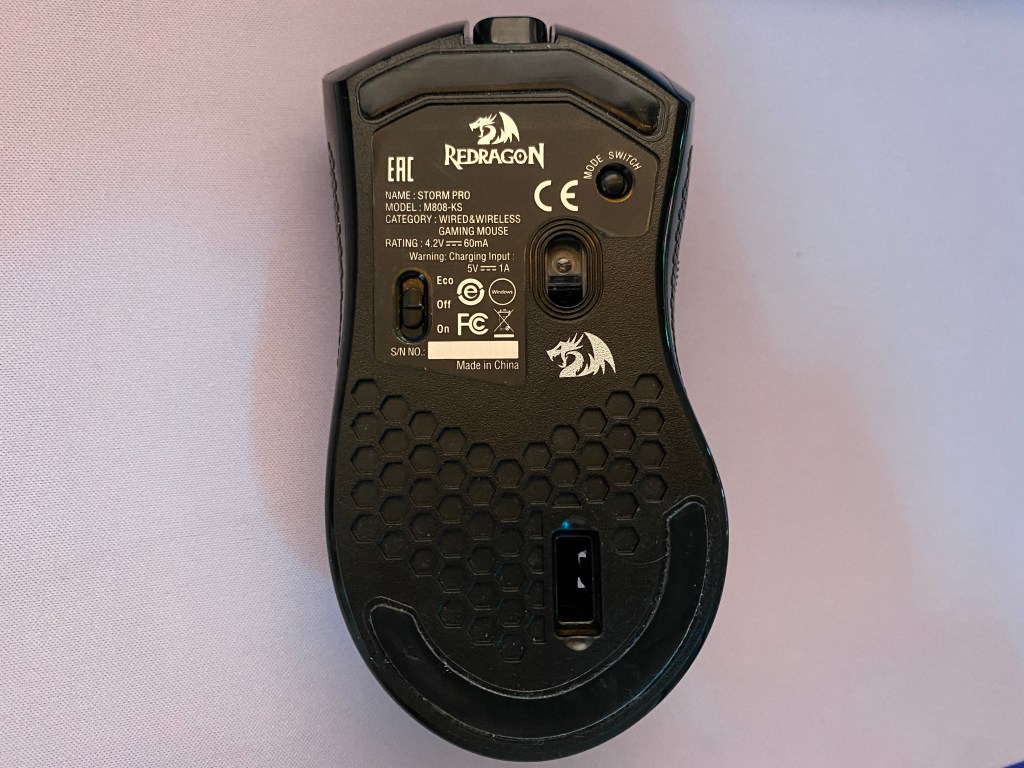
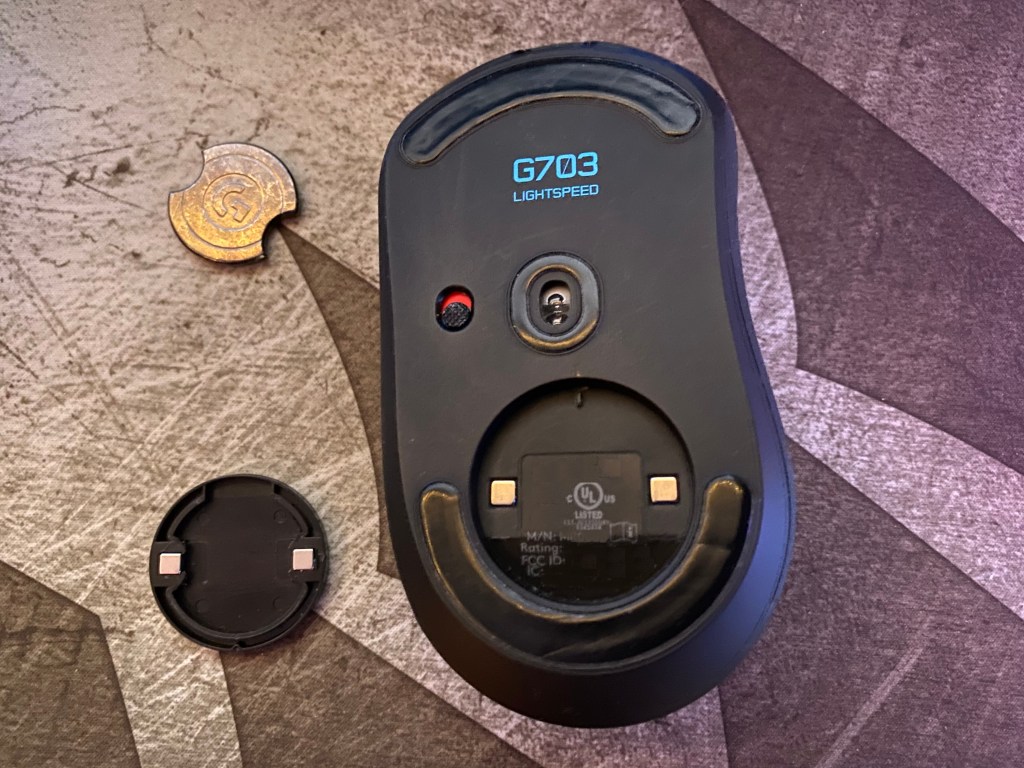
Redragon offers a standard USB-C port and on the bottom of the mouse is a spot to store the 2.4Ghz dongle if needed. This is nice to see if you want to bring this mouse on the go.
Despite the price point, the M693 has a pretty decent build. There are a few weak areas but for the price, it is hard to complain about the mouse.
Style and Comfort
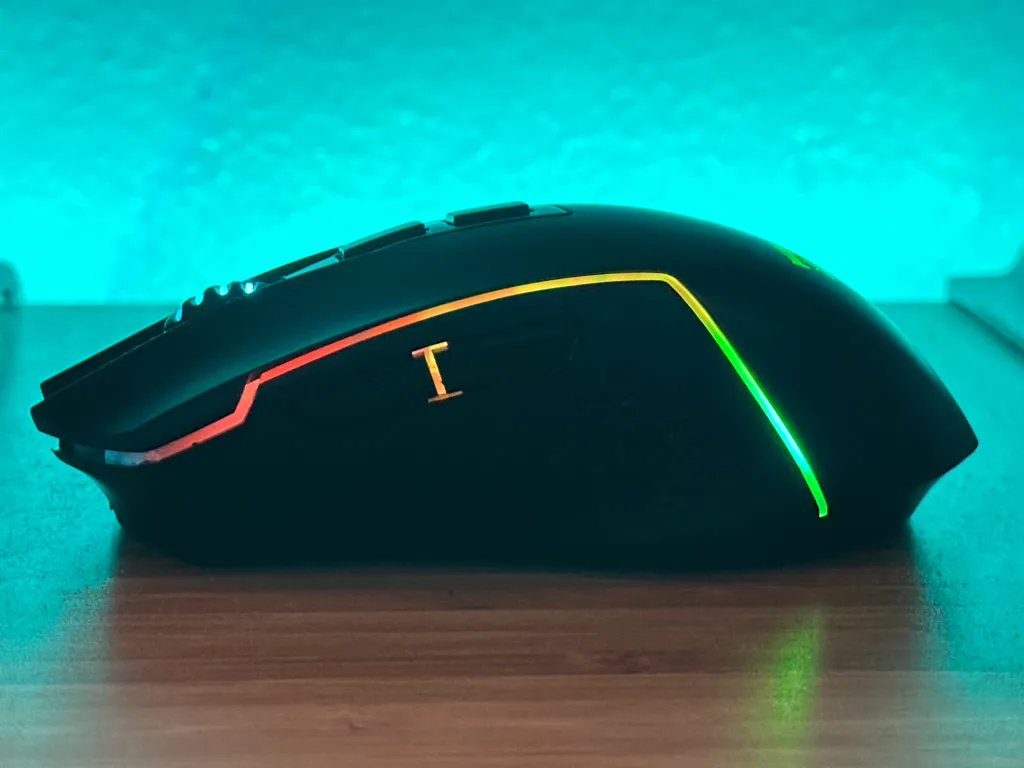
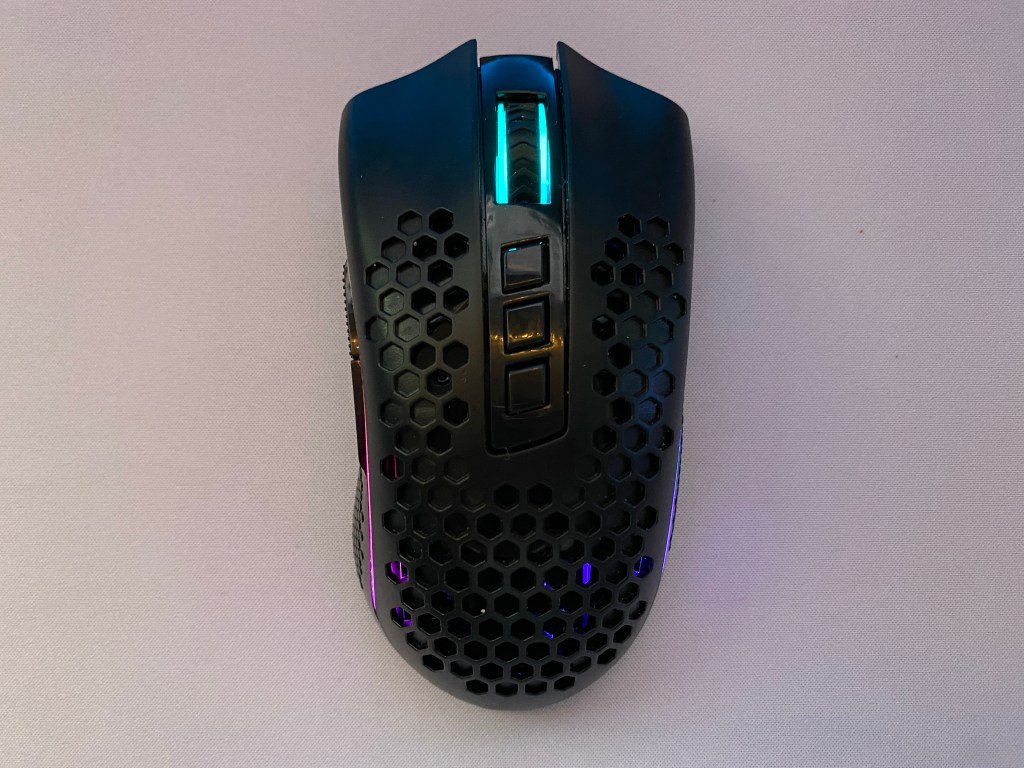
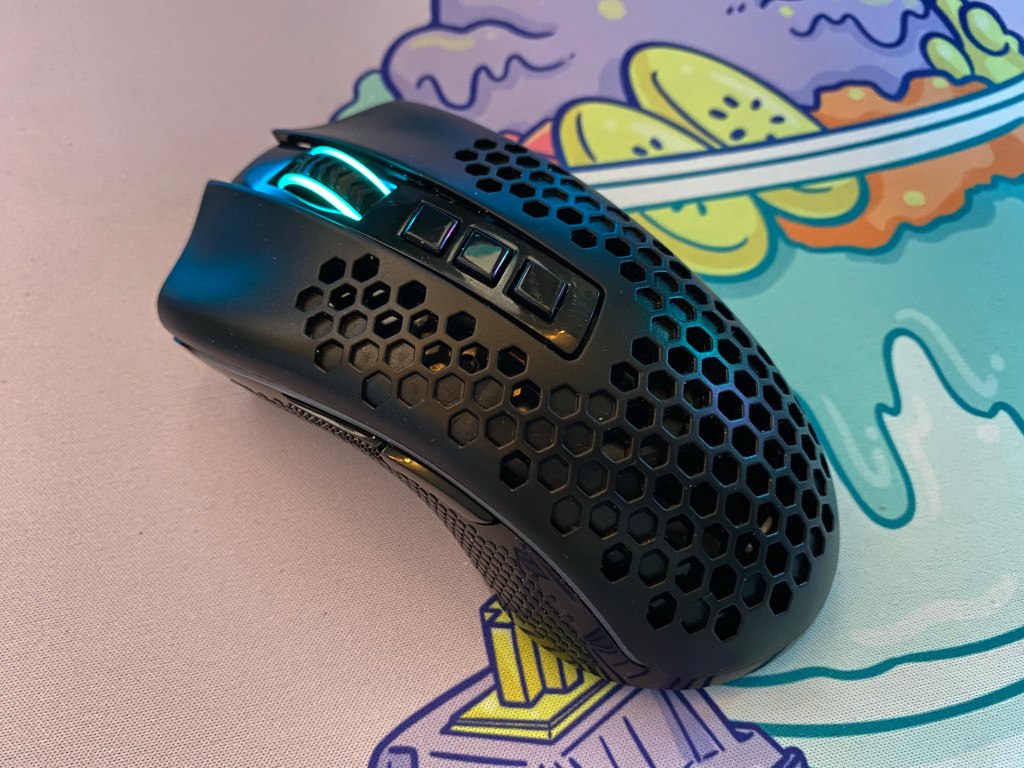
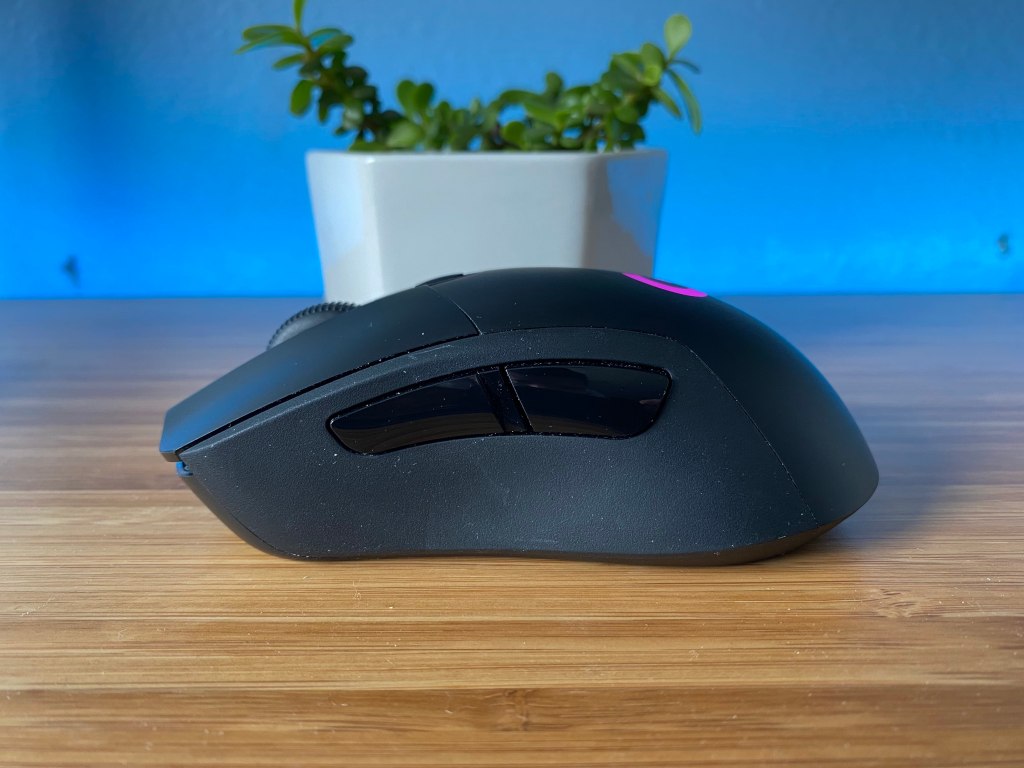
Redragon’s M693 has a slightly ergonomic design with a minimal indentation on the left side to hold the user’s thumb. In my opinion, this slight contour makes the mouse more comfortable than many ergonomic mice without forcing your hand to sit in a specific position.
Although the M693 is not ambidextrous it has the height of many other ambidextrous style mice. Additionally, this mouse is designed to give a lot of space for your fingers but minimal room for your palm. While this may not be a problem for you, I found that it could get uncomfortable with a palm grip for longer gaming sessions.
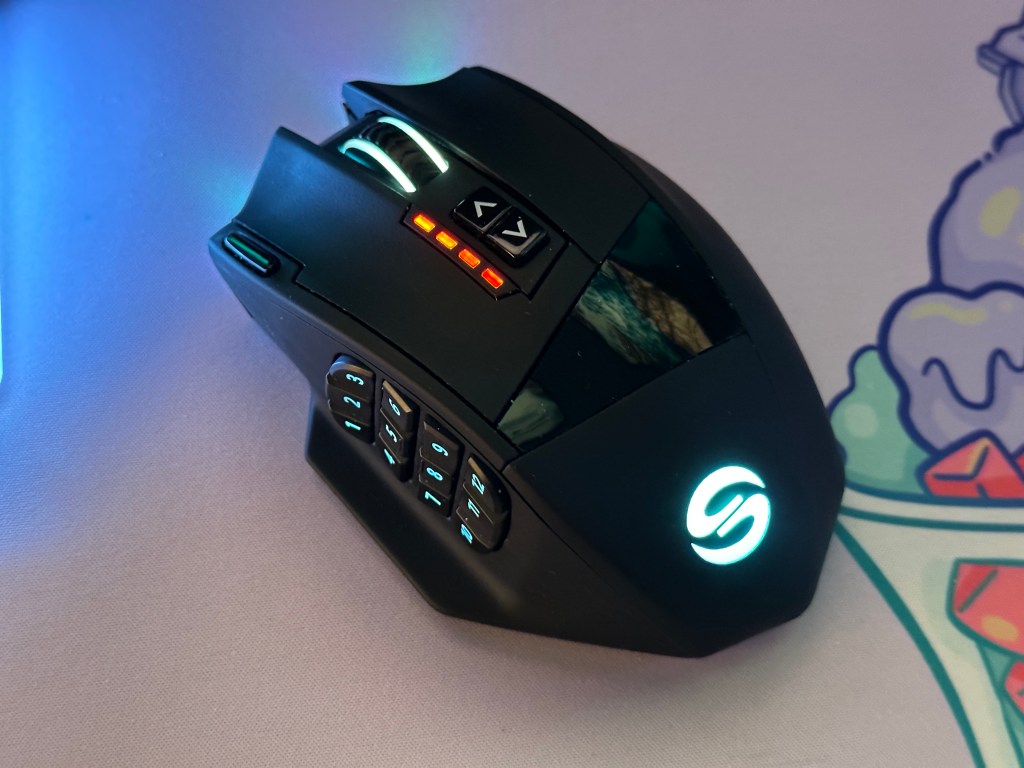
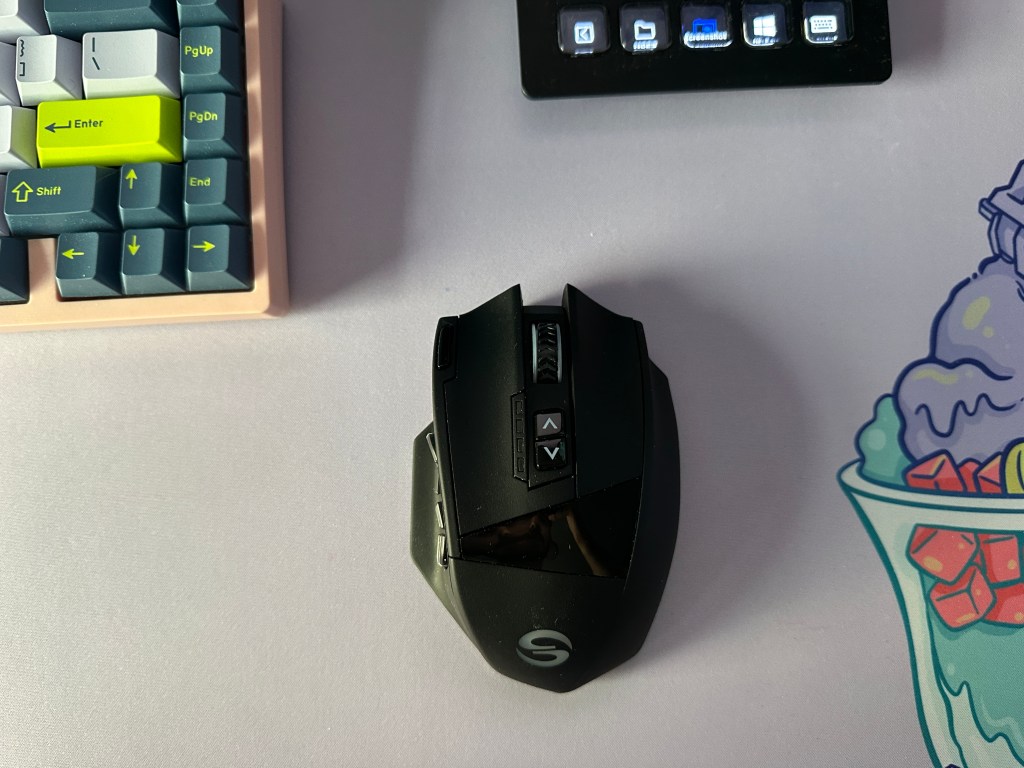
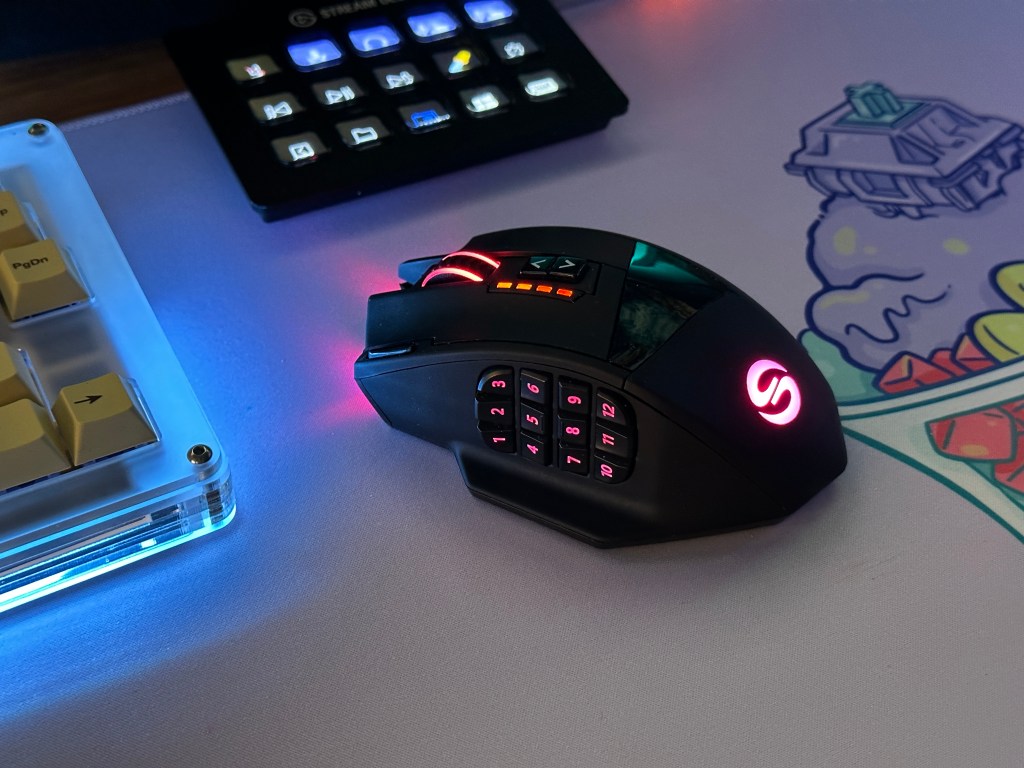
This contrasts with more ergonomic mice like the UTechSmart Venus Pro or Logitech’s G502 which like to force you into a palm grip but are very comfortable for extended periods.
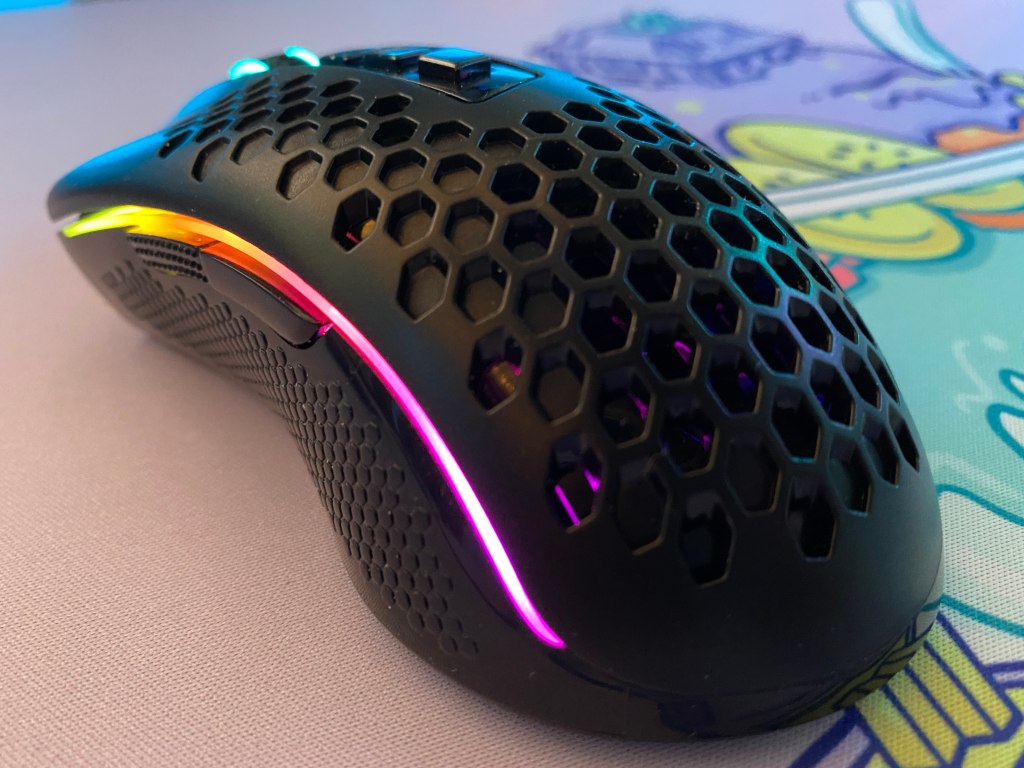
The M693 utilizes rubber on the scroll wheel and some textured plastic on the sides to make the mouse a bit easier to hold. I do wish that the side material was some sort of rubber or more grippy plastic than the current textured material as I think it would make gripping the mouse a bit easier.
The buttons on the M693 are easy to press and well-sized. This is especially the case with the two primary buttons which are very big and are comfortable for both big and small hands.
Switches and Scroll Wheel
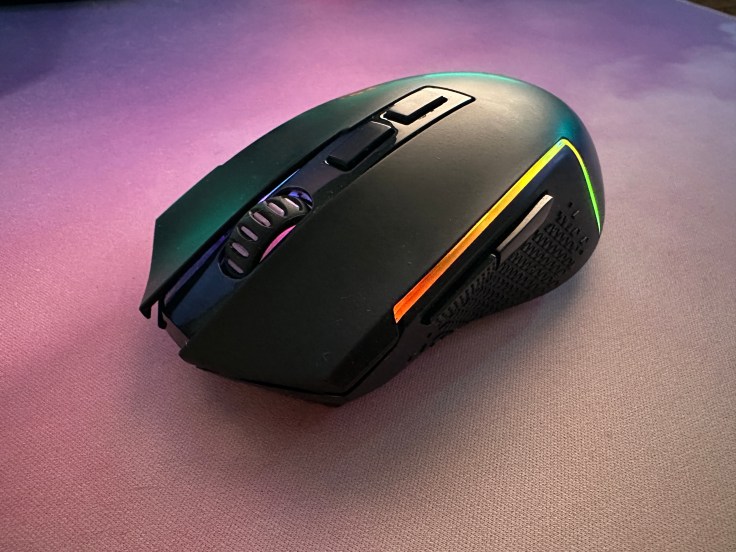
To get a mouse at such a good price, one of the sacrifices you have to make is on the quality of buttons. On the Redragon M693, the buttons could be the weakest aspect of the mouse.
The button clicks feel decent but there is a bit too much give on the main two buttons before they actuate.
The latency is really what brings these switches down though. If you just want a gaming mouse for casual gaming, Minecraft, or strategy games, then this mouse will work just fine. However, if you play only FPS games then saving up a bit more to spend on a better mouse might be a better option
As for the scroll wheel, it feels adequate. It doesn’t feel as solid as something from Logitech but still has acceptable tactile steps.
Sensor and Polling Rate
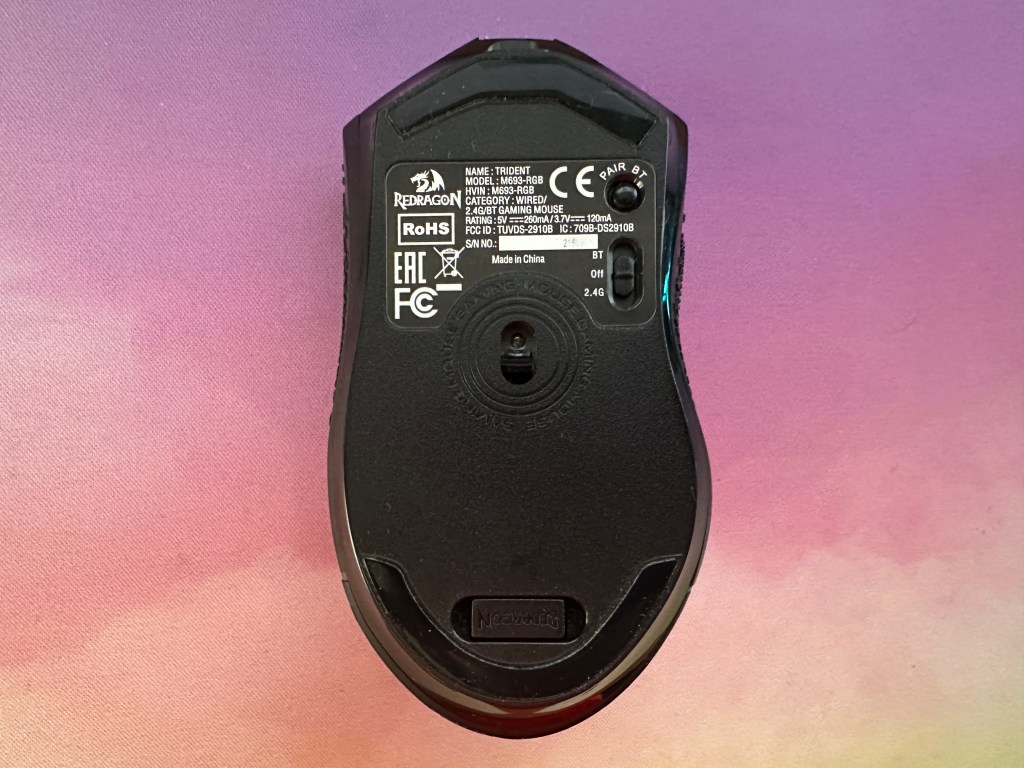
Redragon’s M693 features a Pixart PAW3104 optical sensor with a maximum DPI of 8,000. You will also get the industry standard 1000Hz polling rate.
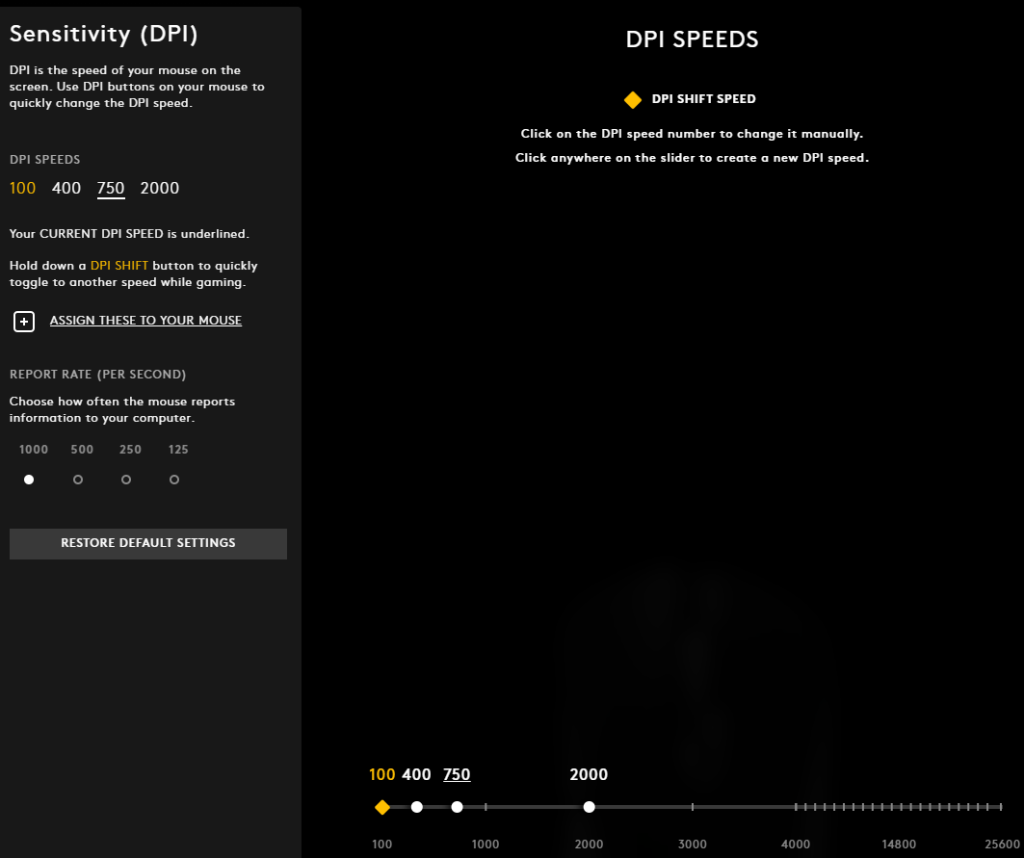
The main disappointment of this sensor is that you can only edit the DPI in increments of 100. This means that if you use a DPI of say 450 then you are out of luck. This left me disappointed because I was left resorting to use a DPI of 800 rather than my usual 750.
Other than that the sensor is decent and most of my struggles with the mouse came from the lack of DPI adjustment. For the price the sensor is not bad but there are certainly better options at slightly higher price points or with wired mice at this price.
RGB Lighting
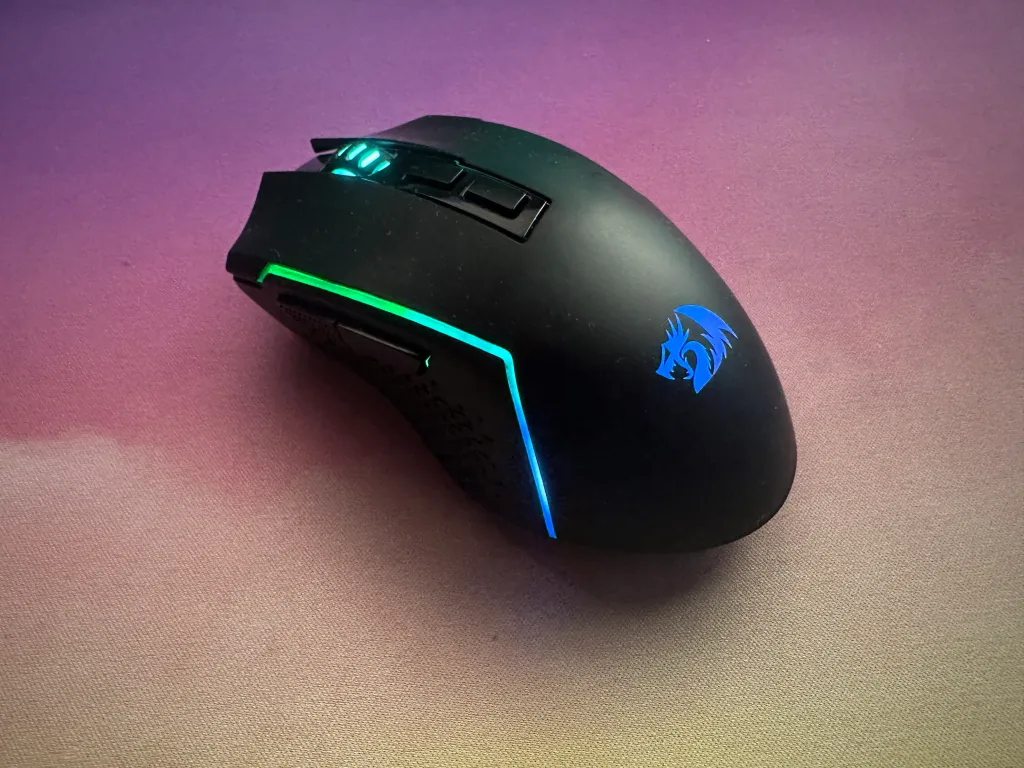
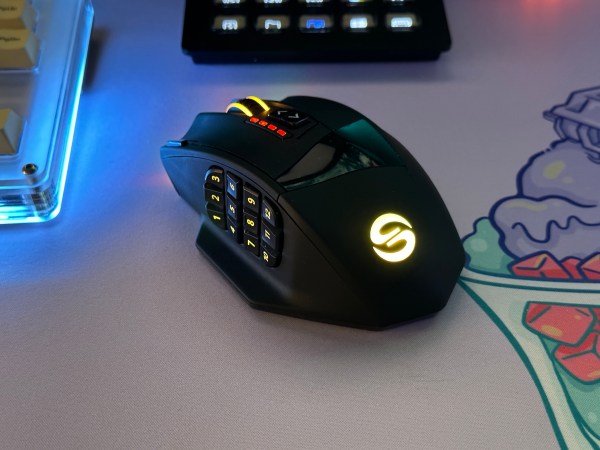
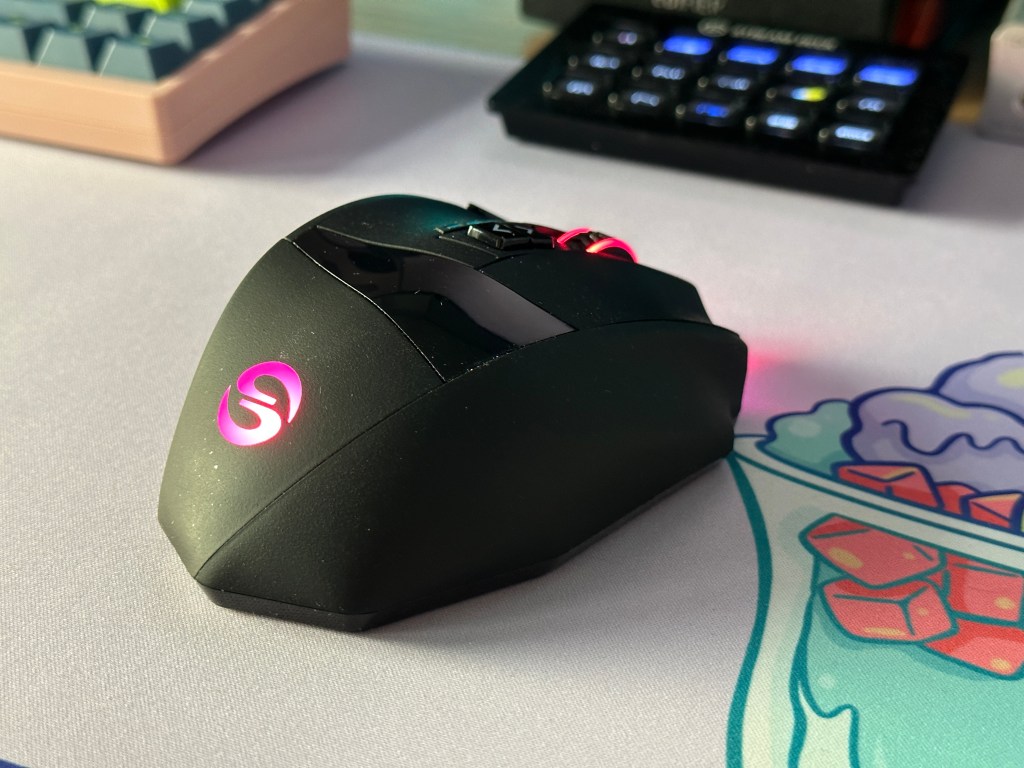
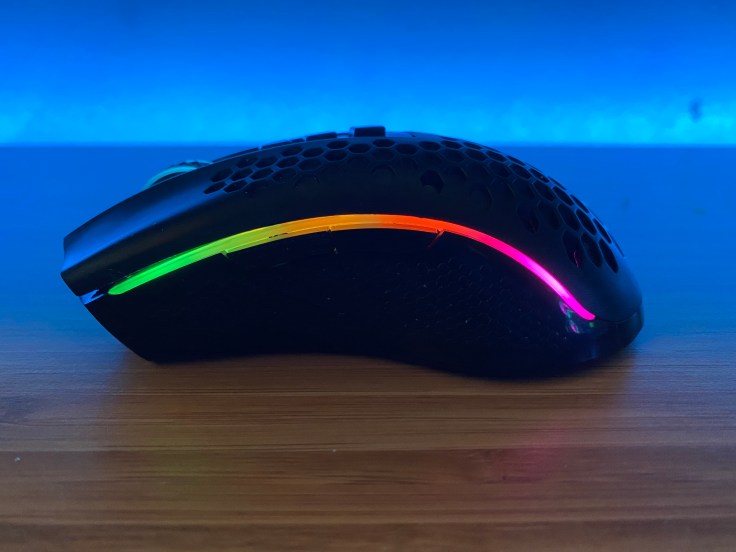
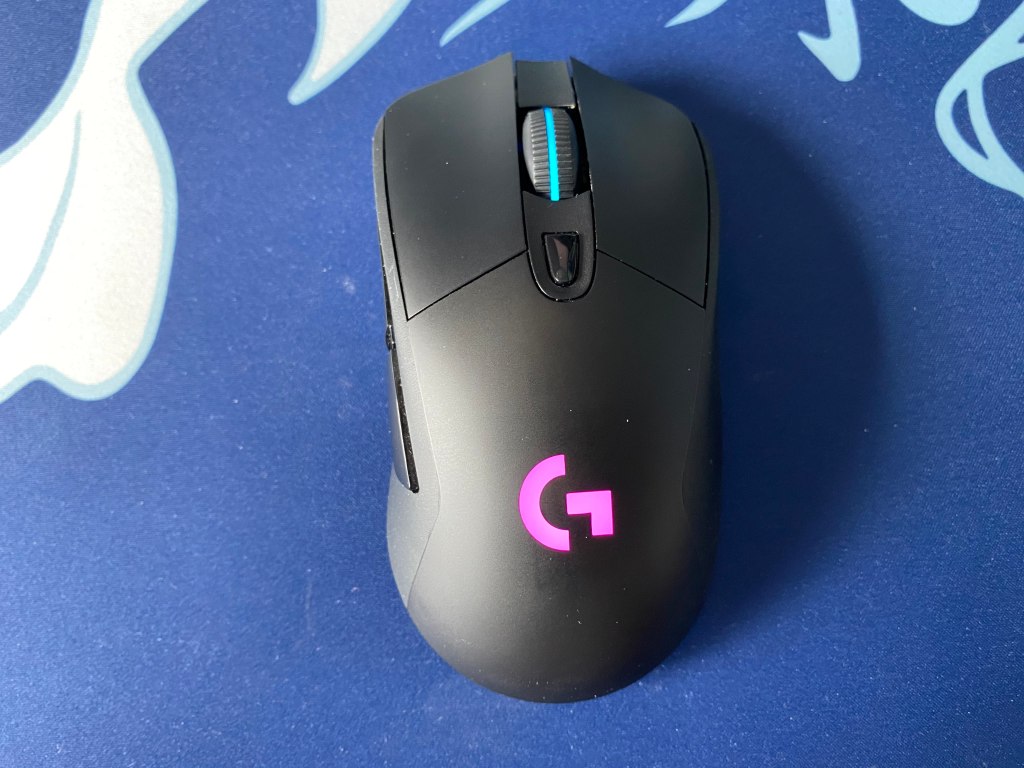
Redragon’s M693 offers RGB lighting on its scroll wheel, logo, and sides of the mouse. The RGB isn’t anything crazy to see here but is expected as a gaming mouse.
The lighting on the sides is not very consistent and is much dimmer compared to the scroll wheel and logo. If you don’t like RGB lighting too much then you can also easily turn it off in the software. Personally, I would have preferred if the lighting was only on the logo and scroll wheel because that would look a lot cleaner.
Overall for the price the lighting is fine but the inconsistency in it makes the mouse look cheap. If you don’t like RGB lighting too much then you can also easily turn it off in the software.
Wireless Connectivity
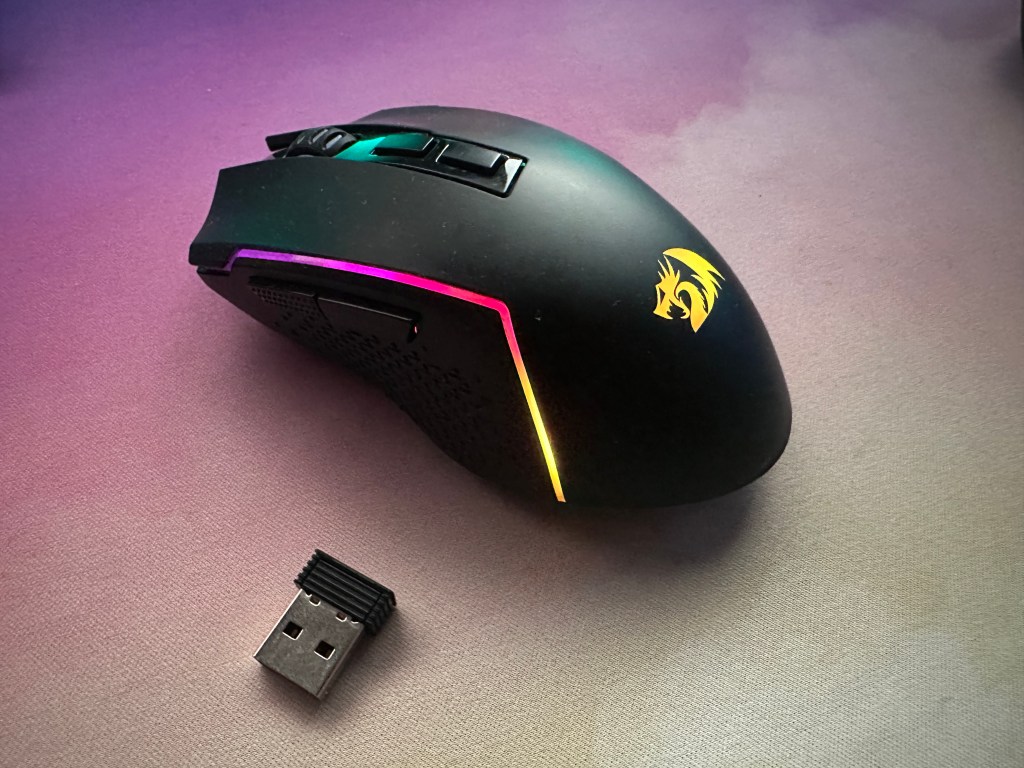
Considering the price of the M693, the fact that it offers three different options for connectivity is impressive. You can opt to use a wired or wireless connection. For wireless, there is both Bluetooth and 2.4Ghz with a dongle.
The 2.4Ghz connection is probably the best way to go. You get the benefit of wireless and it will be more reliable than Bluetooth. However, you won’t get the same performance as a wireless mouse from Logitech, Razer, or Corsair.
If you are playing a lot of competitive FPS titles then a wired connection may still be better in this case but in my testing the wireless connectivity is solid and shouldn’t hamper your abilities. There might be slightly more latency than my daily Logitech mouse but it was not a noticeable problem.
Redragon advertises the M693 as having up to 35 hours of battery life with a 700maH. With lighting on, however, the mouse will most likely last you three to five days depending on your usage. Turning down the polling rate could also help but would also impact the performance of the mouse.
Overall this is a nice feature to see and for the price, it is rare at this price point. If you want the best wireless connection for gaming you may need to spend $10 to $30 more.
Software Support
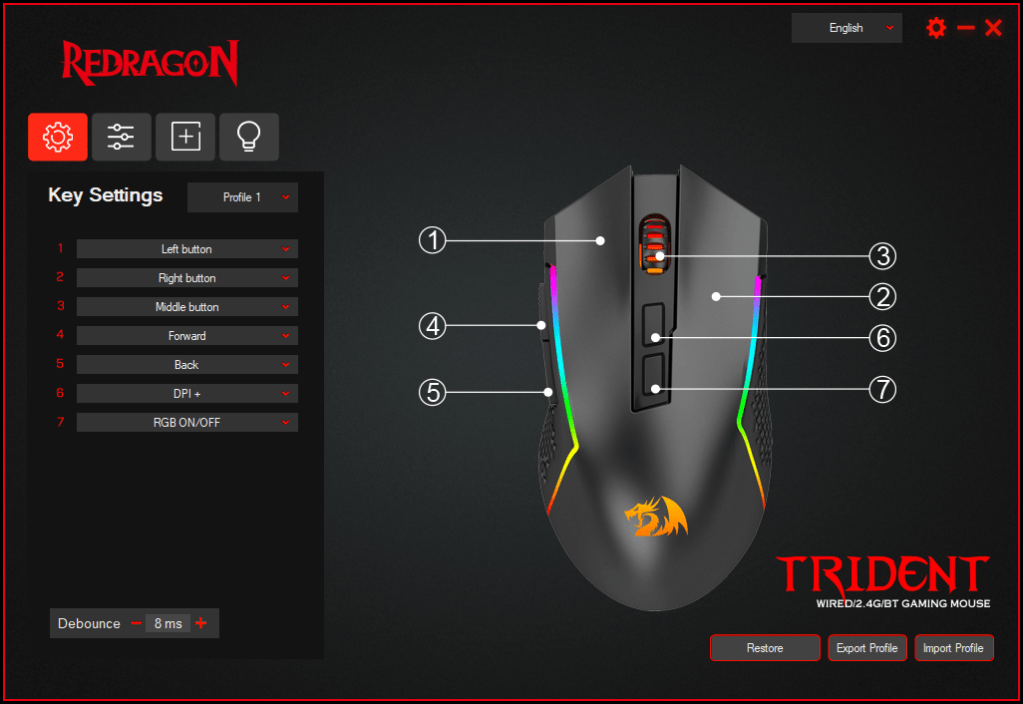
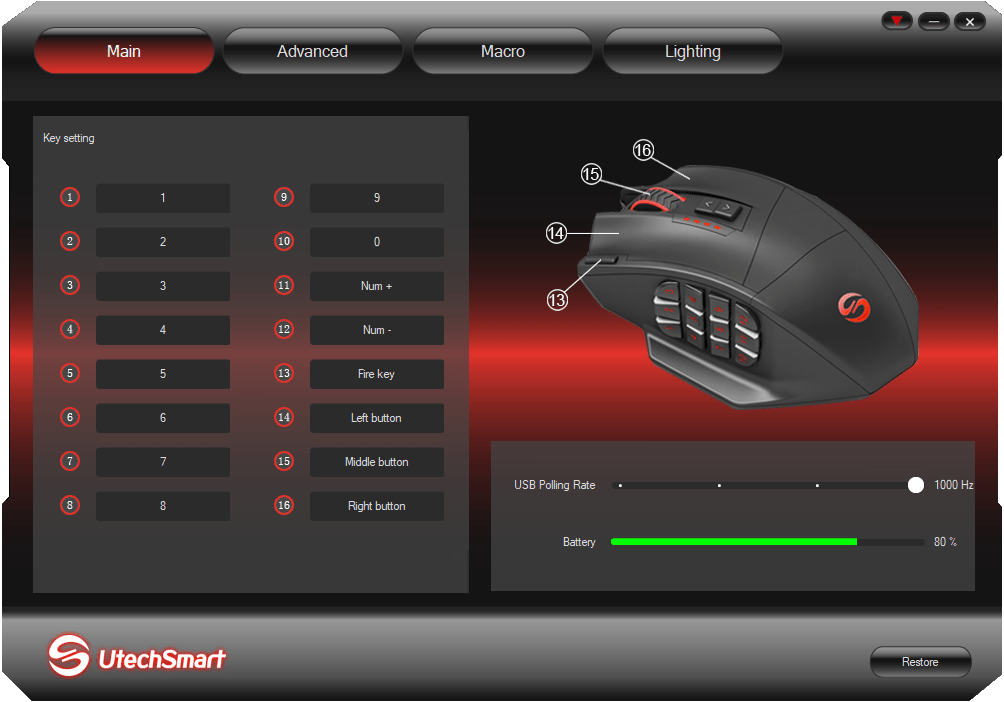
Although Redragon has had poor software in the past, one of their biggest areas of improvement is the software. It still does not compete with Corsair iCue or Razer Synapse, but it is a bit better than the competition around this price point.
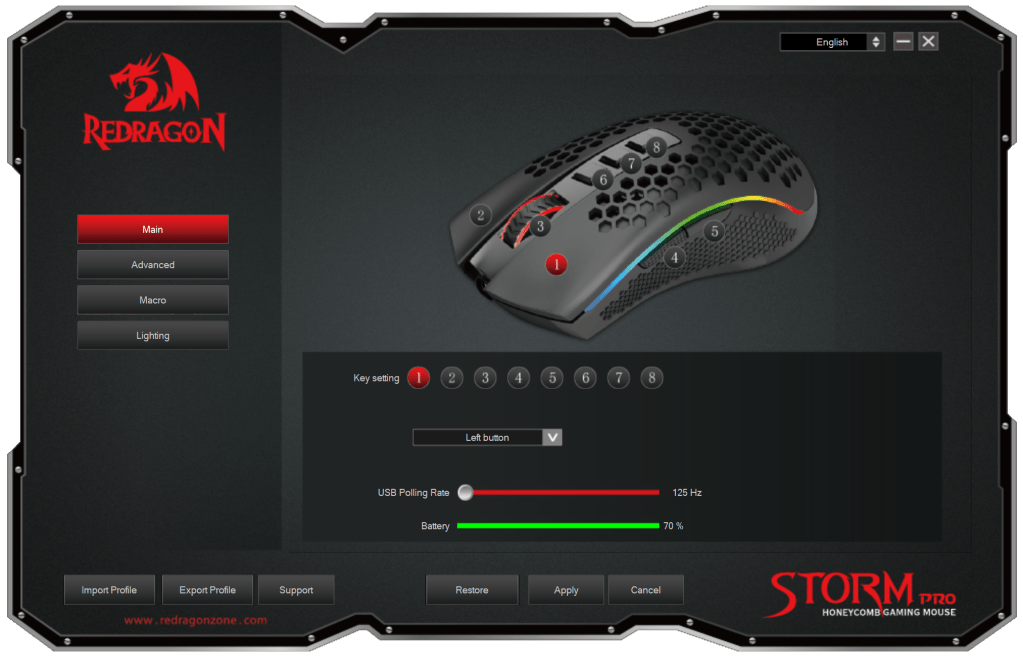
The software tells you everything you need to know and lets you change all the key elements of your mouse. In addition to changing button mappings, lighting, and DPI, you can also change macros and alter factors like lift off distance.
The only nitpick I have with the software still is that it would be nice to resize the window. If you could maximize the window it would make the experience a bit nicer. However, the software is very nice to see at this price and it is good to see that they have been listening to user feedback.
Conclusion: Is The M693 Good For Gaming?

The Redragon M693 makes wireless gaming mouse accessible for the budget buyer. It comes with a decent build for the price, RGB lighting, software support, and a pretty comfortable design.
Despite all the features that this mouse has, there is one achilles’ heel to consider for the M693, the switch latency. While the M693 will perform better than your average mouse that may have come with your computer, it won’t be putting you at an advantage in competitive FPS titles like CSGO or Rainbow Six Siege.
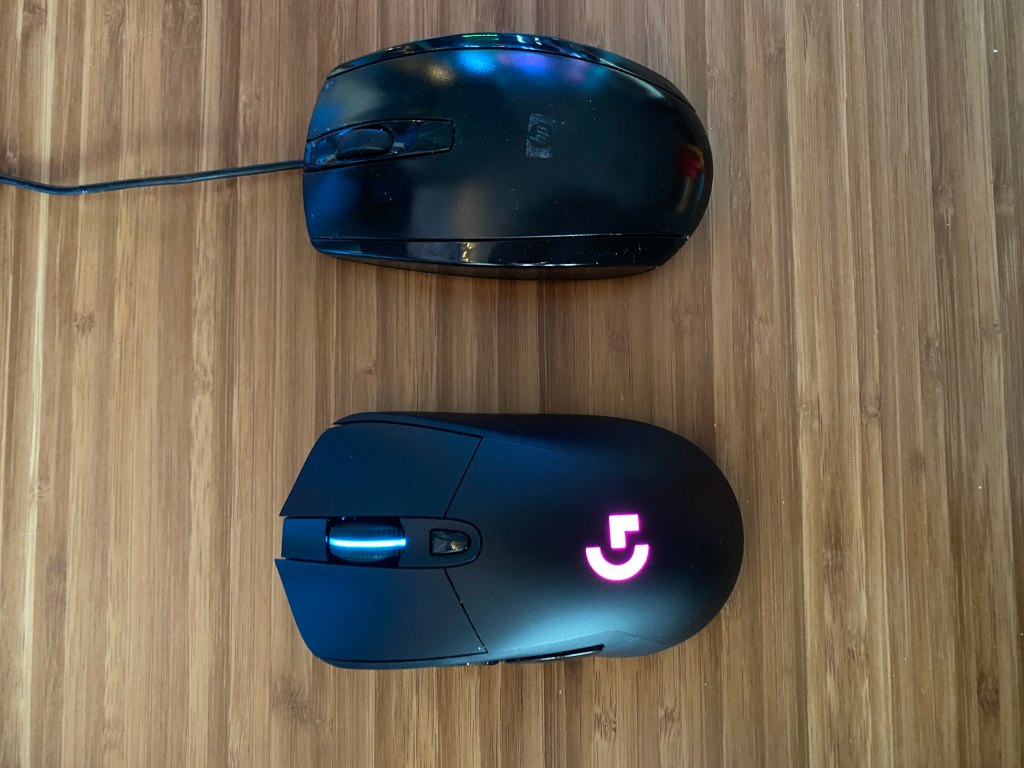
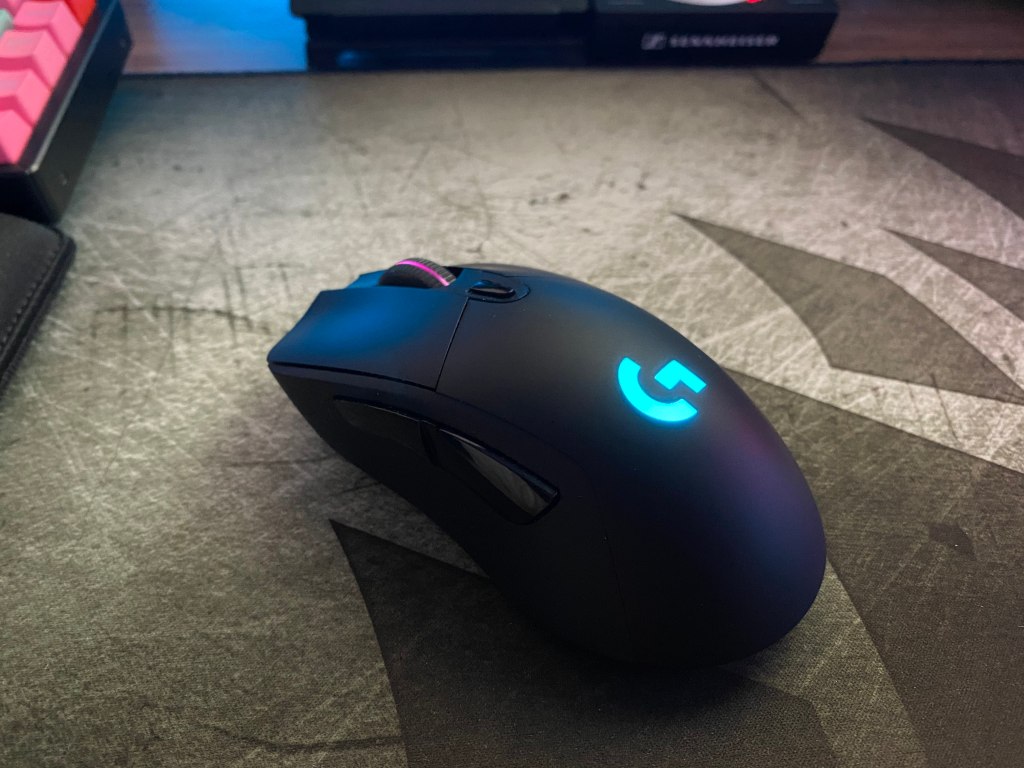
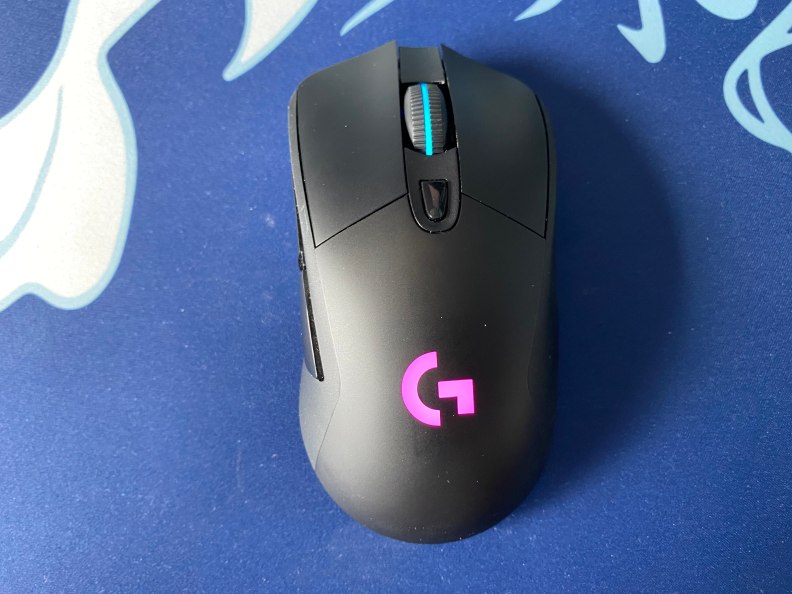
This is unfortunate because the M693 coming it at 90g would make it a great option in most other aspects as an FPS focused mouse. If this a deal breaker then looking at wireless options for about $10 more like the Logitech g305 is a good alternative. If you can sacrifice on wireless connectivity, the Logitech G502 or Razer Viper wired versions will offer much better performance at a slightly higher price point.
The only other nitpicks that I had were primary buttons that had a bit too much play and a sensor that lacks adjustment in increments of less than 100. However, you typically won’t see mice that don’t have these issues at this price.
However, all things considered, the Redragon M693 is a great option to considered if you are strictly restricted to a budget of under $30 and you do want a wireless gaming mouse. The M693 is a solid first gaming mouse.
If you are playing single player titles like Minecraft, Assassins Creed, or GTA, then the switch latency shouldn’t pose a significant issue for you while gaming. Wireless connectivity comes with many positives by getting rid of the cable. Additionally, the M693 makes it quite accessible.






 The Tech Frontier
You must be logged in to post a comment.